Workday Go-Live Checklist: The Key Steps for a Successful Deployment
As a Workday implementation approaches go-live, the focus shifts from project delivery to launch readiness. Teams need to feel confident that the system, the data, the users, and the deployment plans are ready for production.
And that’s why having a structured Workday Go-Live Checklist is so critical.
In this guide we’ll cover the crucial areas every organisation should review before go-live including deployment readiness, testing, change management, training and cutover planning.
Workday go-live readiness is the process of preparing everything prior to launch. This means reviewing the system, data, business processes, integrations, and user readiness to make sure everyone is prepared for the move into production.
Successful go-live readiness extends beyond just technology, where people, processes, systems and governance need to be aligned.
The Four Pillars of Go-Live Success
While every implementation is unique, most Workday go-lives are generally built around these four pillars:
Deployment: Ensuring the system, data, integrations and security settings are ready for production.
Testing: Validating the business processes, integrations, security, and system functionality for go-live.
Change Management: Supporting users to understand and embrace the transition through training and knowledge transfer.
Cutover Planning: Coordinating the activities that lead the system into production while managing expectations.
Underpinning the four pillars is ensuring that strong governance in a Workday implementation keeps decisions clear, changes controlled, and teams aligned, so the deployment delivers the intended business outcomes.
Deployment Readiness Checklist
Prior to go-live, organisations should undertake a comprehensive production readiness assessment to confirm that the system has been configured, validated, and is ready to operate.
Configuration and Business Process Validation
All decisions concerning configuration should be reviewed and approved. This includes verification of business processes, approval of workflows, notifications, security settings, and organisational structures.
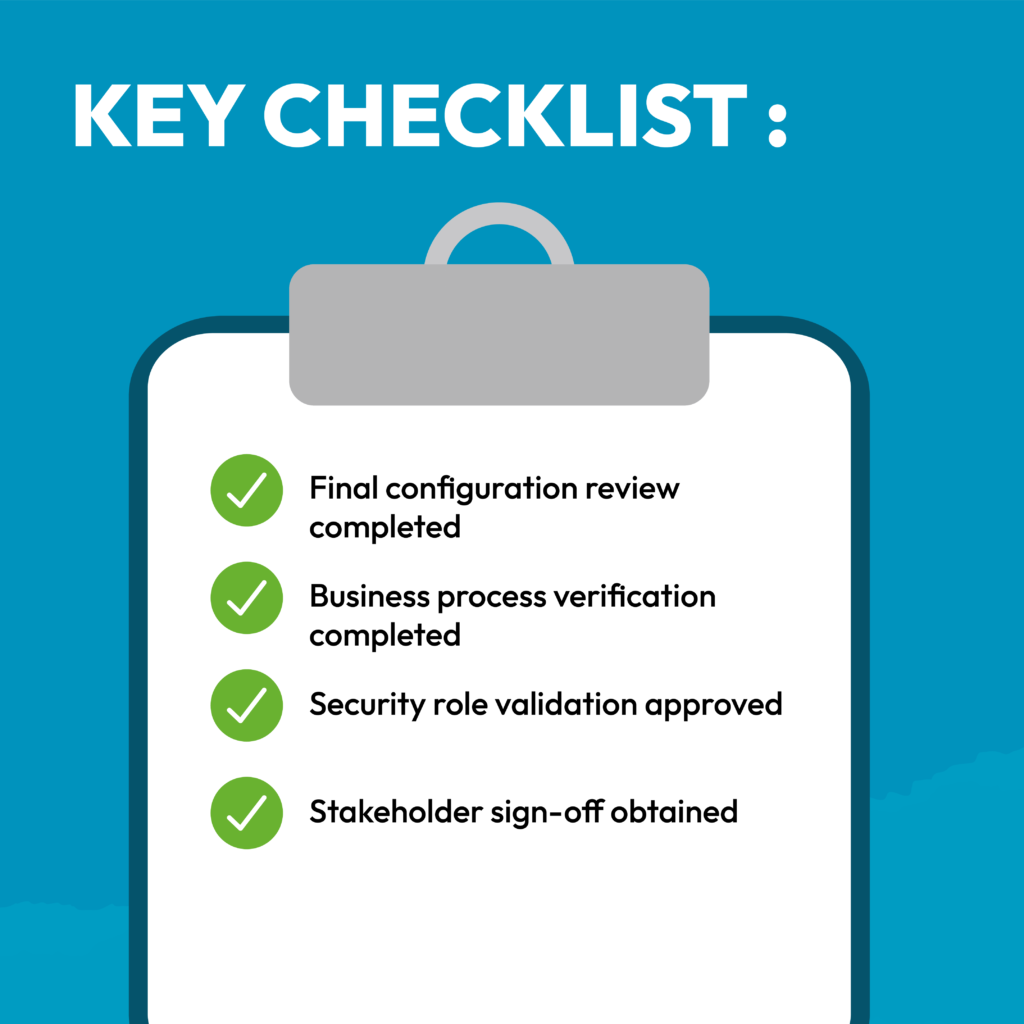
Key checklist items for Configuration and Business Process Validation:
Final configuration review completed
Business process verification completed
Security role validation approved
Stakeholder sign-off obtained
Data Readiness
Ensure data migrations have been completed and validated and that information in Workday is consistent with source systems and business expectations. Data quality checks should identify any discrepancies, gaps, or formatting issues that may impact operations.
Integrations Readiness
Before go-live, validate all integrations to ensure data flows correctly between Workday and connected systems.
Reporting and Dashboards
Reports and dashboards need to be reviewed pre-go-live, so leaders and operational teams have the information they need from day one.
Testing Readiness Checklist
Testing provides confidence that Workday will support business operations as expected after go-live.
Functional Testing
Functional testing validates individual business processes and confirms that configuration requirements have been implemented correctly.
User Acceptance Testing (UAT)
Workday UAT allows business users to validate the system in real-world scenarios.
Security and Access Testing
Security testing ensures that user roles can access the required information and processes.
Access should be reviewed for compliance with organisational policies and governance requirements.
Performance and Integration Testing
Performance testing helps confirm the system can support expected workloads.
Integration testing should verify that data exchanges continue to function correctly under realistic operating conditions.
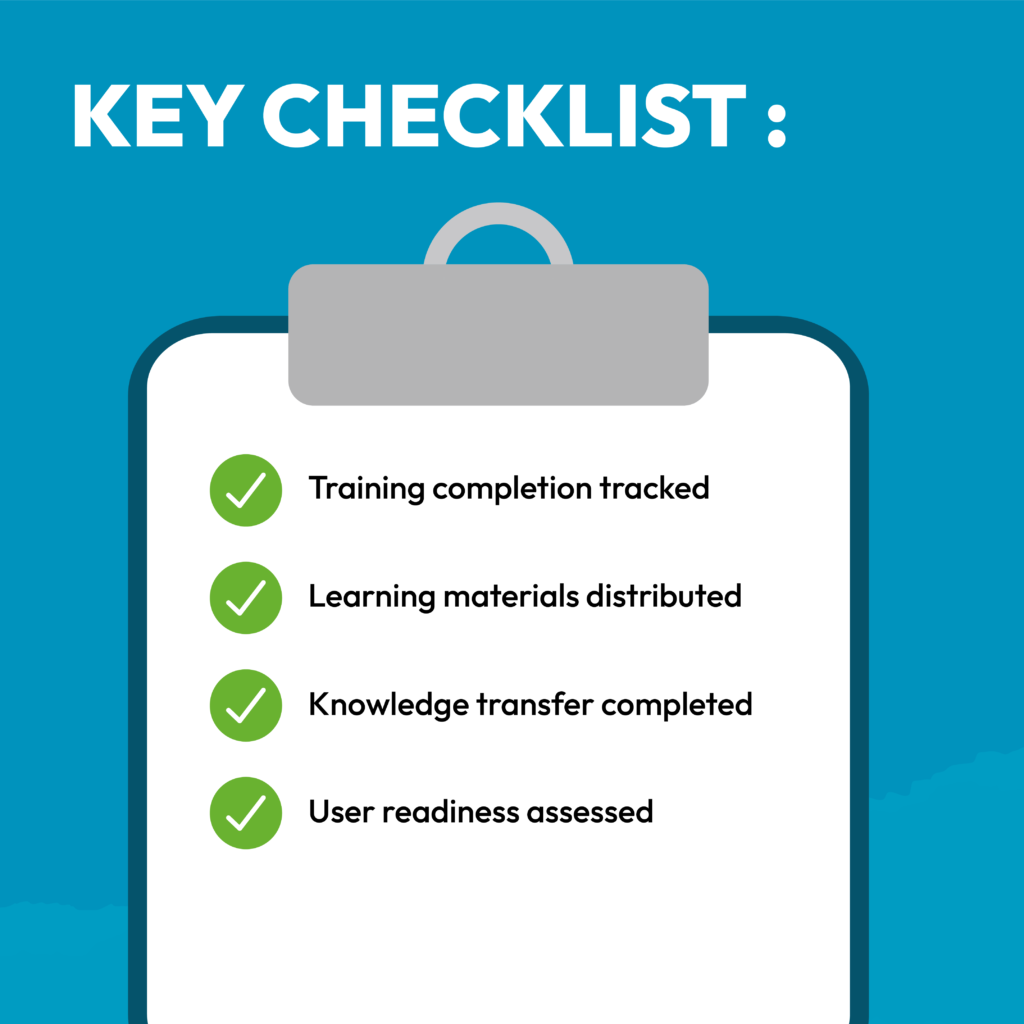
Change Management Checklist
Technology readiness alone does not guarantee a successful Workday launch. People need to understand the changes being introduced and how those changes affect their daily work.
Stakeholder Communication
Stakeholders should receive regular updates on progress, timelines, expectations, and key milestones to reduce uncertainty throughout the deployment process.
End-User Training
Effective training helps employees feel comfortable completing their day-to-day tasks in Workday from the moment the system goes live.
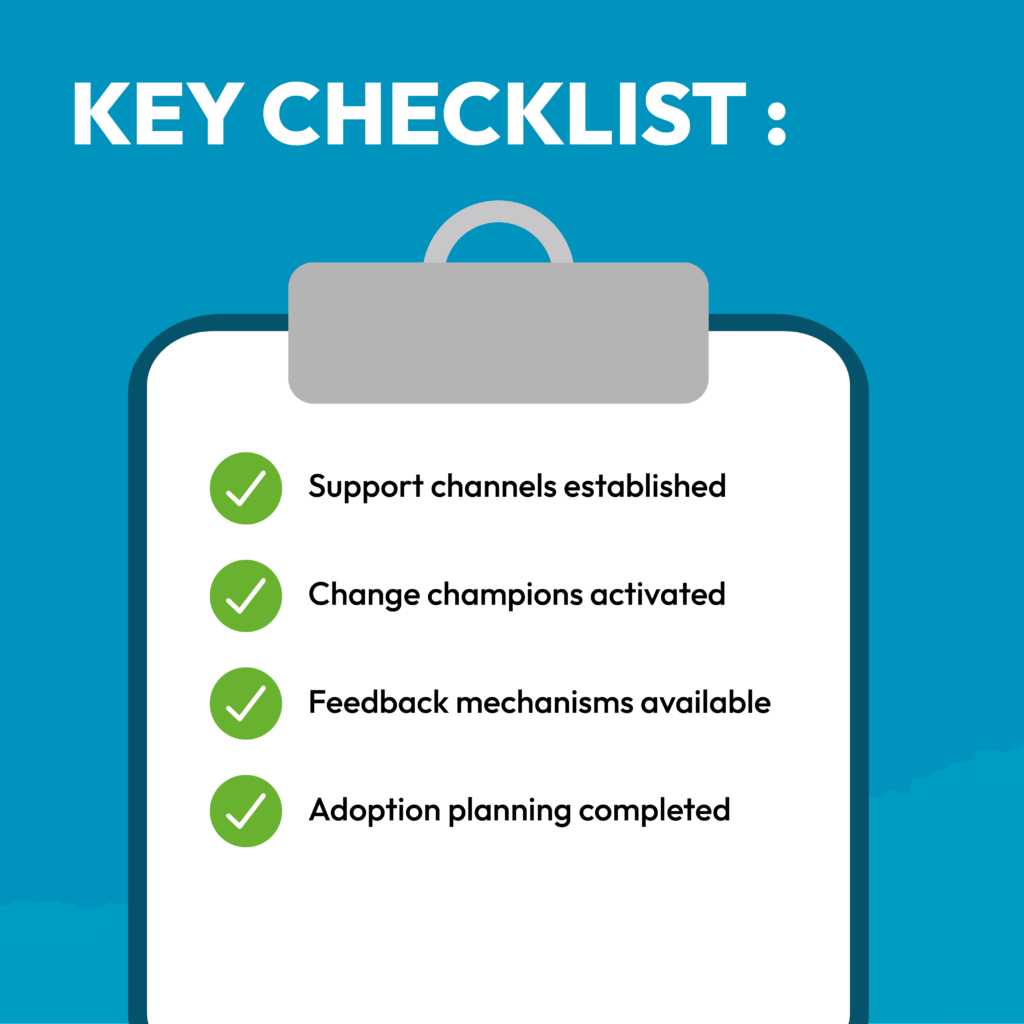
Adoption Readiness
Preparing for adoption involves ensuring users are aware of the established support channels and change champion networks to reinforce learning.
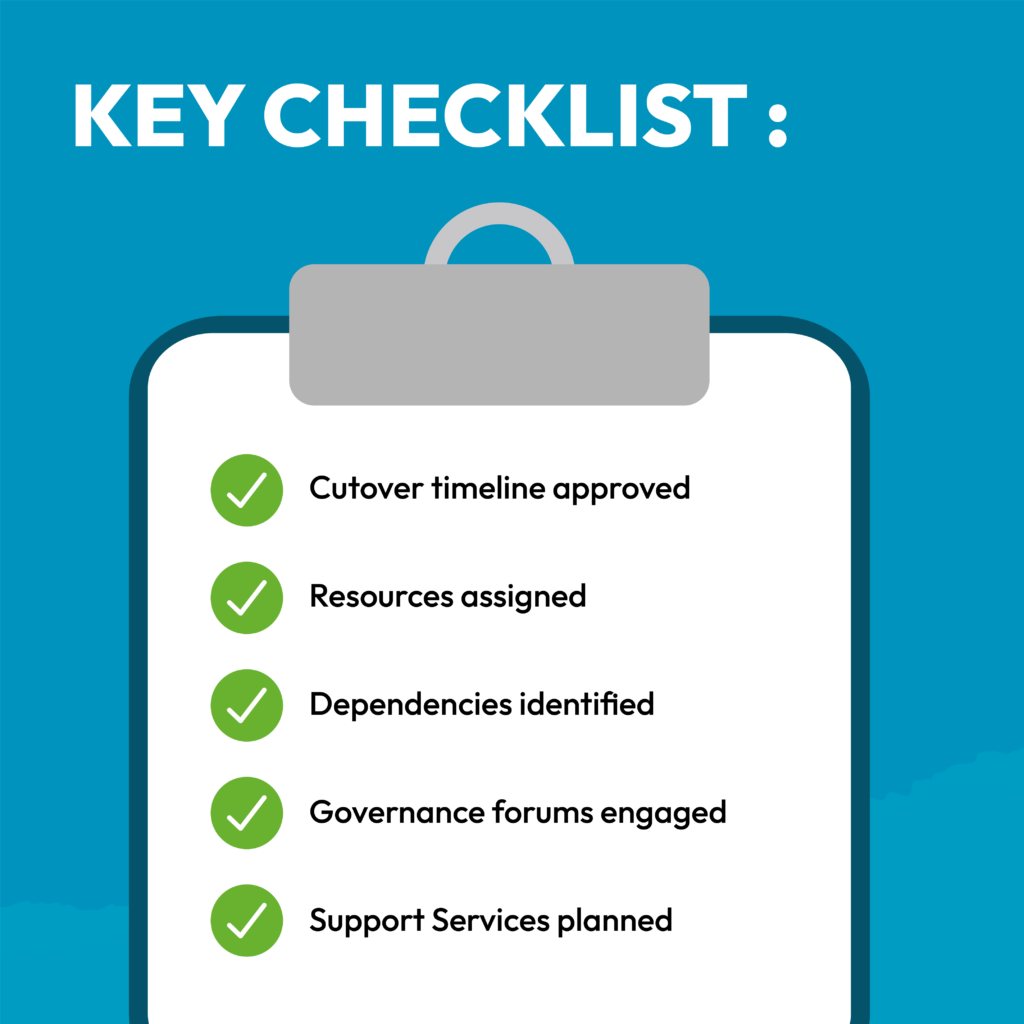
Cutover Planning Checklist
Defining the Cutover Strategy
The cutover strategy should outline all activities required before, during, and immediately after go-live, along with ownership, timelines, and decision-making responsibilities.
Final Production Activities
Production migration activities should follow a documented sequence to minimise disruption and ensure a smooth transition.
Teams should validate the production tenant, activate security configurations, and confirm system readiness before launch.
Contingency Planning
Even with thorough preparation, organisations should have documented contingency procedures with clarity of escalation paths and response plans to address issues quickly and maintain confidence throughout deployment.
Final Considerations Before Launch
Focus on Real-World Testing Scenarios
The completion of test scripts is important, but the real value of testing is validating real business scenarios. Organisations should ensure testing is representative of day-to-day operations and critical workflows, not simply a means to meet completion targets.
Keep Users at the Centre of the Go-Live Experience
Even if the system is well configured, adoption challenges can arise if the users are not ready for the change. Communication, training, and stakeholder engagement should continue to be priorities throughout the project.
Allow Time for Cutover Validation
Even with a well-designed system, you can face adoption problems if the users are not ready to embrace the change. The project must prioritise communication, training, and stakeholder engagement throughout.
Plan for Ongoing Support After Launch
Defining the post-go-live support model for Workday is critical to ensuring a seamless transition from implementation to launch, as it establishes clear and accessible channels for users to raise queries and propose enhancements. This leads to increased adoption of Workday and effective ongoing use of Workday.
Conclusion
To ensure a successful Workday go-live, it is essential to have adequate preparation, stakeholder alignment, thorough testing, strong change management, and an effective cutover strategy.
A structured Workday Go-Live Checklist helps organisations improve deployment readiness, boost user adoption and reduce risk at launch. A smooth transition and long-term success with Workday are achieved by taking the time to validate each area before production and establishing a good support structure.
Need support with your Workday deployment?
Whether you’re approaching deployment, reviewing your readiness plan, or looking for additional support during the final stages of implementation, our Workday experts can help you assess readiness, reduce risk, and prepare for a successful launch.
This website uses cookies to improve your experience while you navigate through the website. Out of these, the cookies that are categorized as necessary are stored on your browser as they are essential for the working of basic functionalities of the website. We also use third-party cookies that help us analyze and understand how you use this website. These cookies will be stored in your browser only with your consent. You also have the option to opt-out of these cookies. But opting out of some of these cookies may affect your browsing experience.
Necessary cookies are absolutely essential for the website to function properly. This category only includes cookies that ensures basic functionalities and security features of the website. These cookies do not store any personal information.
Any cookies that may not be particularly necessary for the website to function and is used specifically to collect user personal data via analytics, ads, other embedded contents are termed as non-necessary cookies. It is mandatory to procure user consent prior to running these cookies on your website.